
how i build websites in days, not weeks ⚡
The secrets? simple process, smart templates, and a bit of AI.

Building a website is messy.
Sitemap, design, copywriting, SEO, development, analytics.
But it doesn’t need to be overwhelming.
One of the first things I did in my business journey was optimize the process.
I spent two weeks studying the best designers, copywriters, and website developers do their jobs. I combined elements from their workflows to create the ultimate website-building workflow.
I ended up with a process that is extensive enough to cover all the things a great website needs, but a process that is also lean and light. It allows me to adapt and innovate on the fly if needed.
This process takes me from the first client interaction to launching a website in just a few days.
*This is just an overview of the process. If you like me to expand on a topic, comment below.
Setup
This is everything I do before even thinking about the actual website.
1. First call 📞
First touch with the client.
I make sure there is a good fit:
What problem are they trying to solve?
Am I the right person for the job (or can I refer someone else)?
Do they have a budget in mind?
Do they have a deadline?
If it is a good fit, I explain the rest of the process and send a link to a discovery session.
2. Discovery 🔍
The Notion template below contains all the answers I need to understand my client’s business and build the perfect website for their needs.
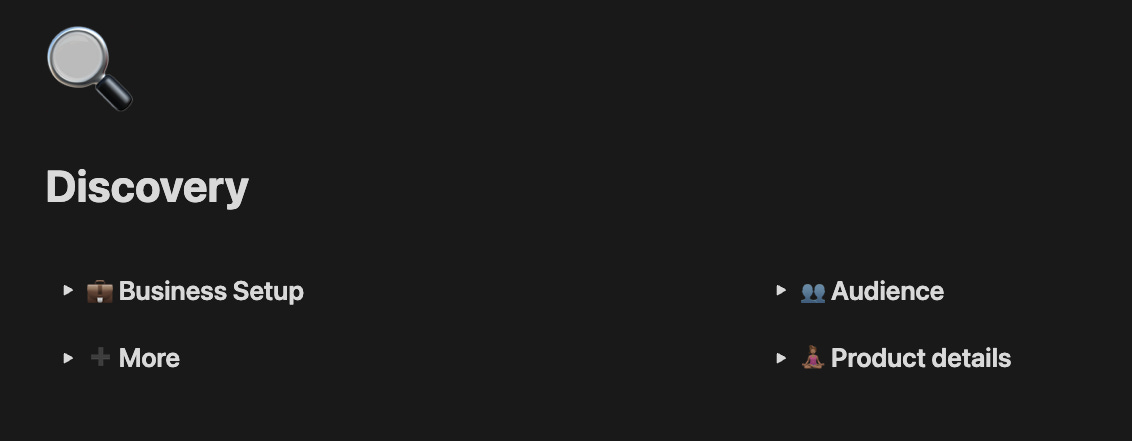
This is a crucial step in the process.
The discovery doc acts as a reference point throughout the process.
3. Proposal 🖊️
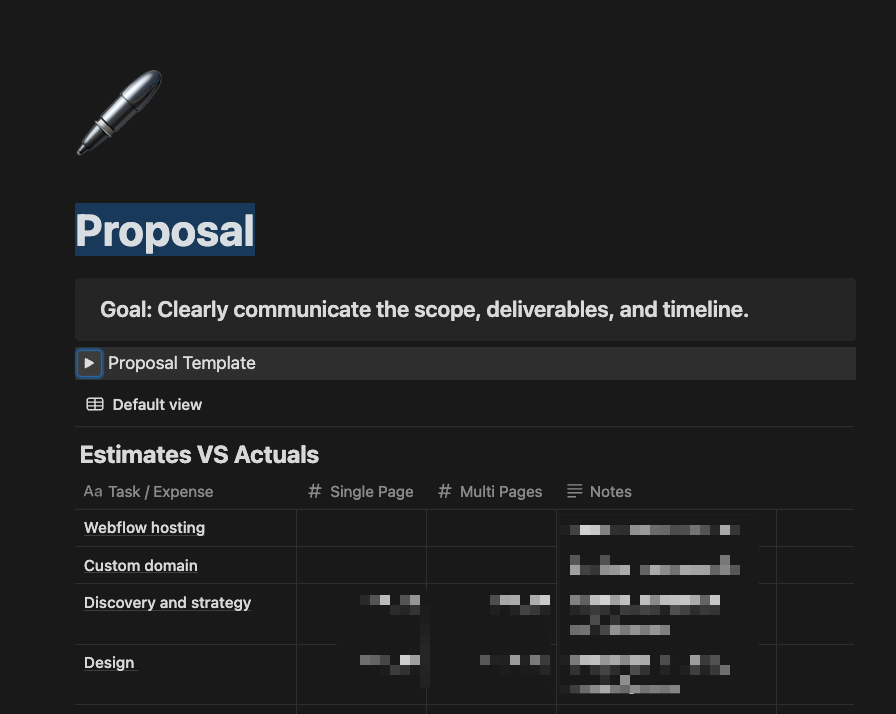
Now that I have all the relevant information, I know how long it will take to build the website, and how much to charge.
I have a template of a lean contract and a pricing table to share with the client (for transparency)
Getting to work
The admin work is finished. Time to build!
4. Dashboard 📋
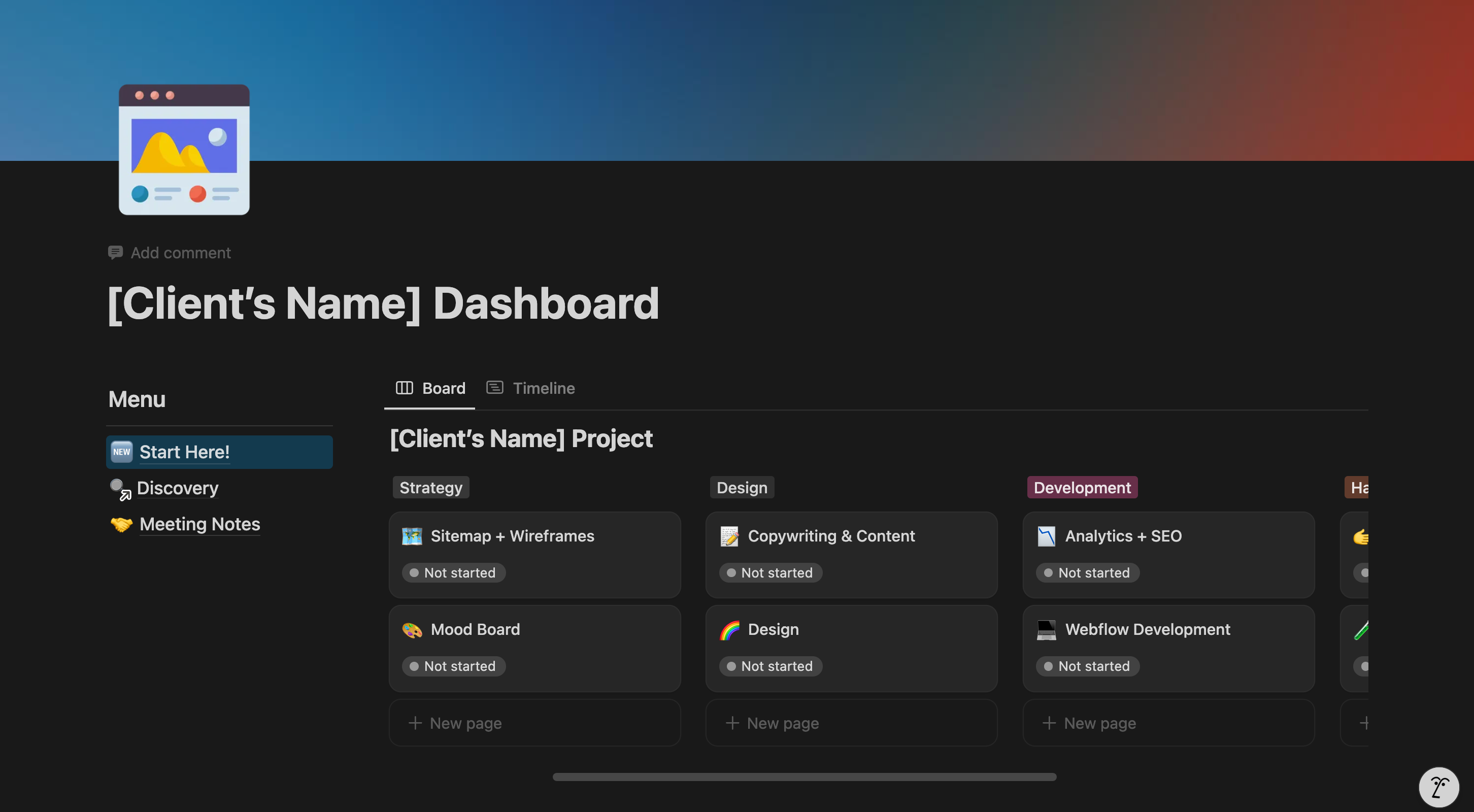
Kicking things off, I first share a Notion workspace with my client.
This brings transparency to the entire process.
We add files, write comments, and understand how far we are in the process.
5. Sitemap 🗺️
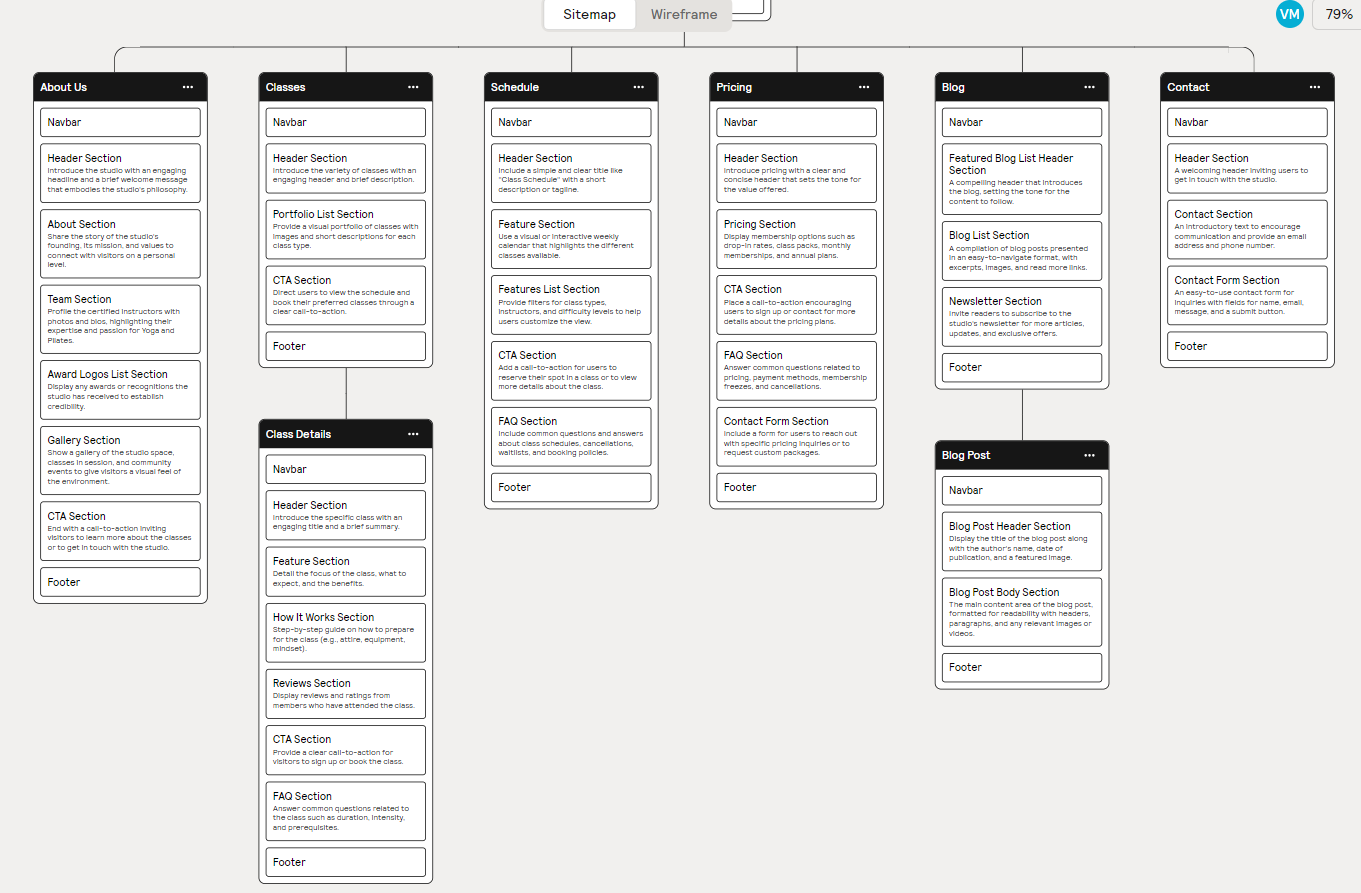
In this stage, I plan the site - pages, sections and general structure.
I use Relume to create a sitemap in seconds.
I write a few sentences on my client, the market and the target audience to get a full sitemap.
6. Wireframes (+copywriting) 🪟
Wireframing used to be hard. With Relume, it's 10X easier (not a sponsored post, I swear).
Relume automatically creates wireframes from the sitemap.
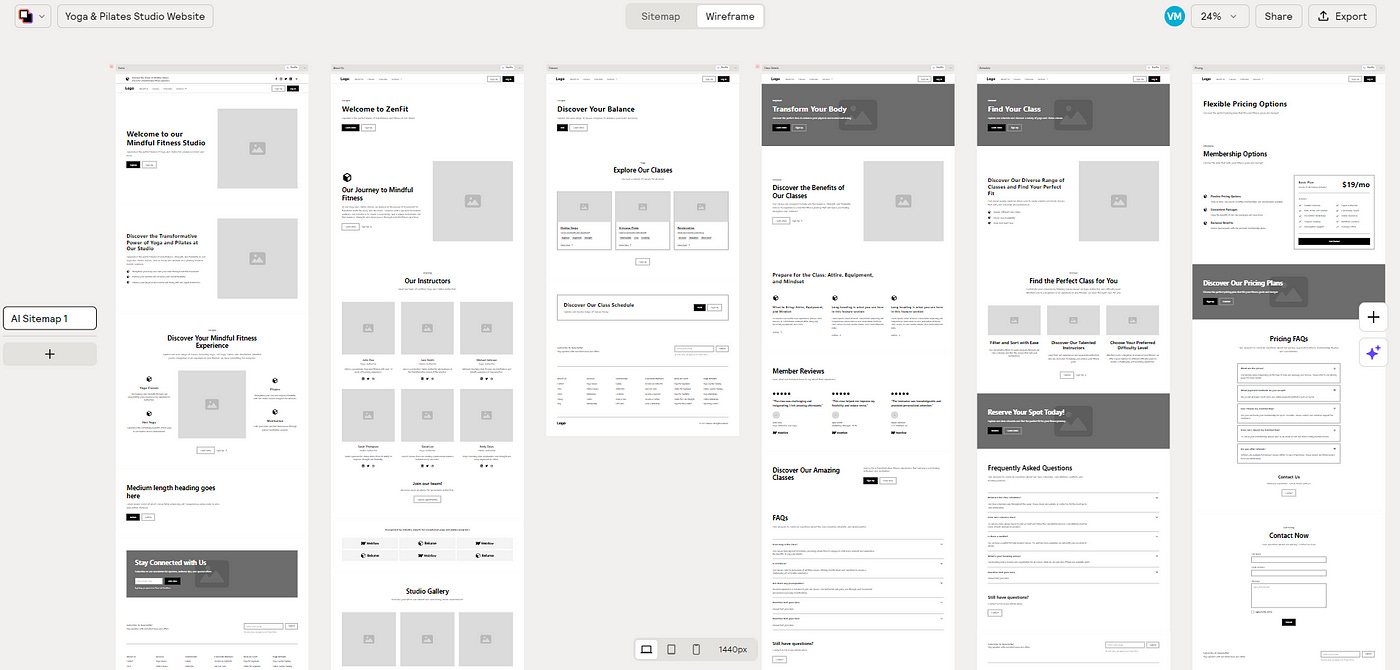
Relume did the heavy lifting. Now I go over the wireframes, change components I don’t like, write the copy, and leave comments for the client.
7. Design (fonts and colors) 🎨
Again I use relume to quickly experiment with colors and fonts.
Relume suggests them and I can see how they will look on the website with a click of a button.
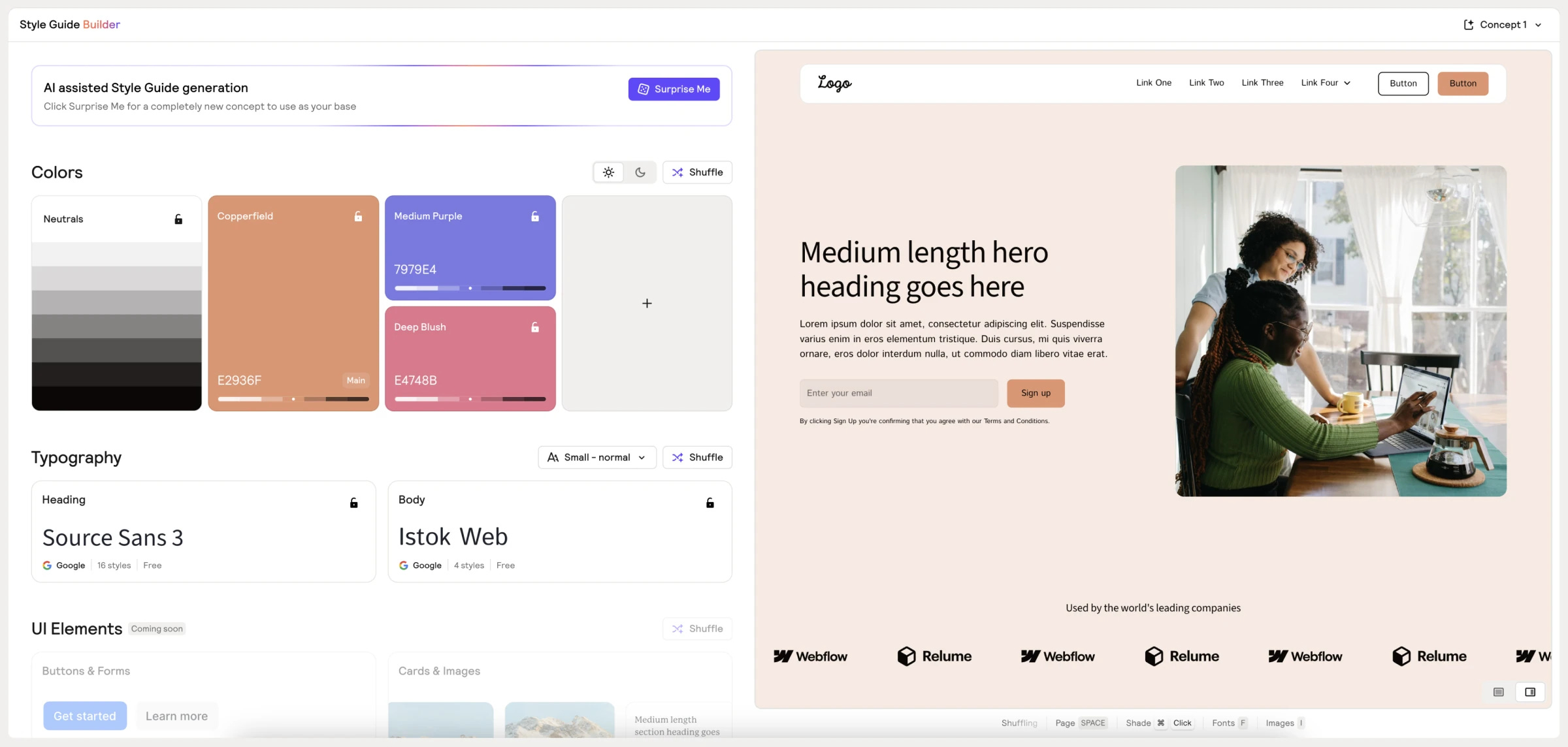
Sometimes I’ll export this design to Figma and continue experimenting there, and sometimes, I’ll just move to development.
8. Development (Webflow) 👨🏽💻
On Webflow, I first export Relume’s Starter Project, because it includes a great style guide and built-in classes with the Client-First system.
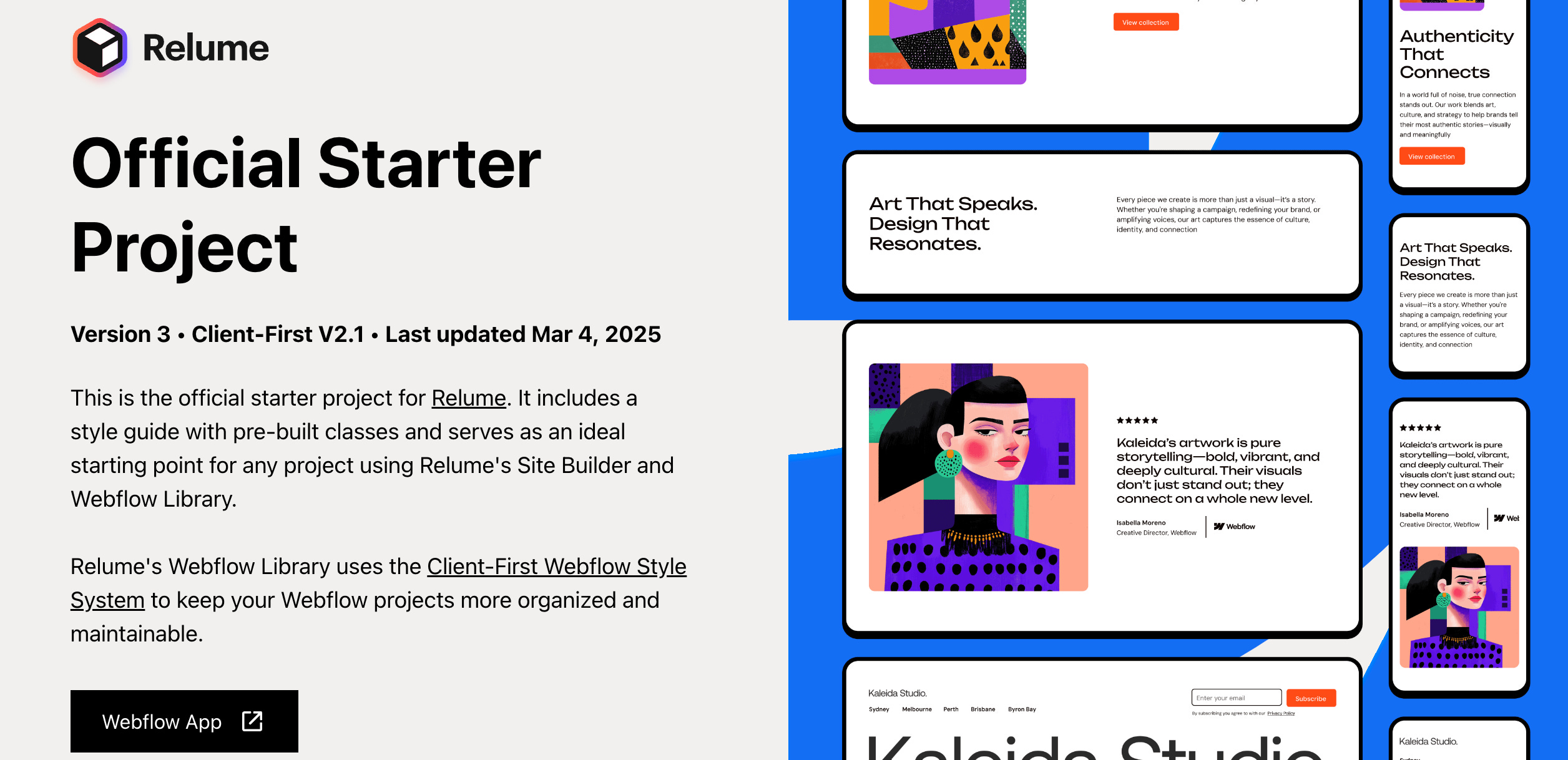
I will export my design to Webflow and work on all the other remaining tasks there (links, SEO, animations, responsiveness, and more).
This is the stage where you actually build the website, but it’s much simpler after doing all the previous steps.
Finishing Touches
A few last steps to make this process perfect.
9. Analytics + SEO 📊
After finishing with development, I go over all site settings (SEO, Open Graph settings) and implement Google analytics and Hotjar for heatmaps.
These technical things are very important for the long-term success of the site.
10. Off-boarding 🛬
The final step is making sure the client has all the information to operate the site on his own.
It’s also a great time to ask for reviews and references.
This is my checklist:
I record a loom video where I go over the site and explain to the client how to make common actions.
I make a final call or send a closing email to the client.
I pre-schedule follow-ups (2 weeks, 2 months) - to make sure everything is ok and build a solid relationship.
I ask for:
Review
Testimonial
Referrals
Done! Onto the next client :)
Want me to break down any of these steps in detail?
Reply and tell me which part of the process is the hardest for you—I’ll cover it in an upcoming issue!